
Ratings do two jobs. Apple says ratings and reviews can influence search ranking,1 and Google counts ratings, reviews and downloads among its ranking factors.2 They also sit next to your name in search, which decides the tap.
1. Use each store’s own prompt
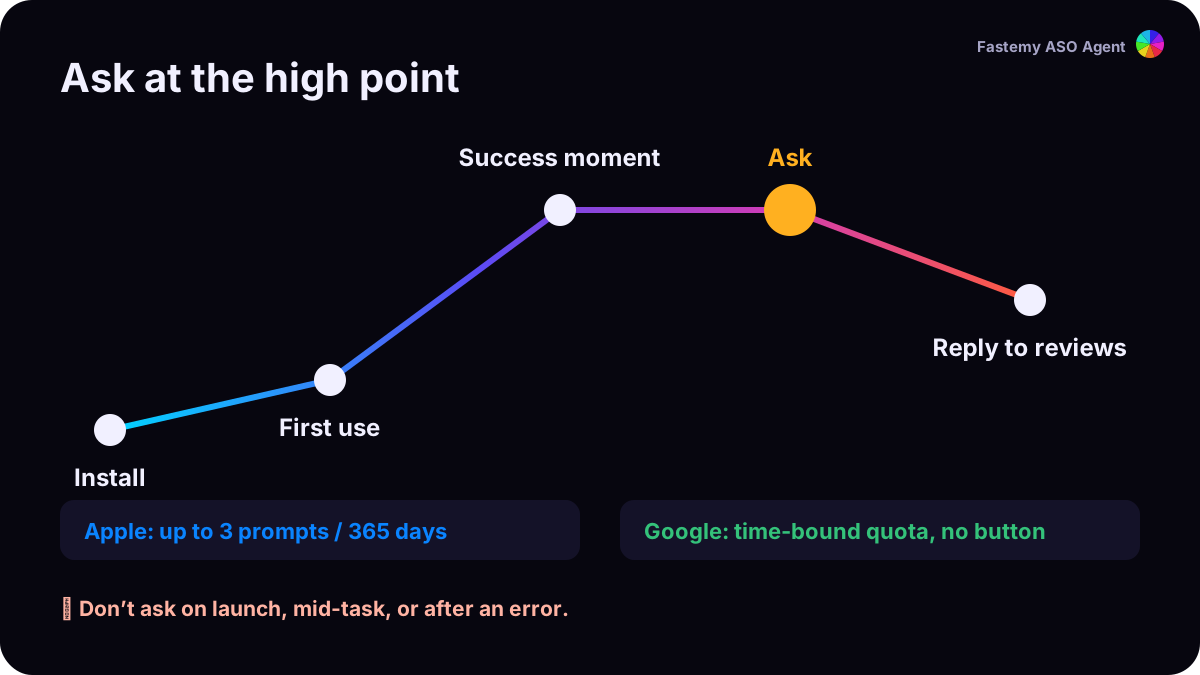
App Store. The system prompt (SKStoreReviewController) can be shown up to three times in a 365-day period.3 Apple’s guideline 5.6.1 asks you to use its API; custom review prompts aren’t allowed.4
Google Play. The In-App Review API is limited by a time-bound quota Google doesn’t publish, so a call may show nothing. Google asks you not to trigger it from a button, not to ask a question before it, and not to alter the card.5
2. Ask at the high point
Apple’s advice is to ask when people are most likely to be satisfied, such as after they complete an action, a level or a task, and not to interrupt them.3 Google’s is to ask after people have used the app enough to have an opinion.5 Pick one moment where your app has just delivered: a scan that worked, a goal reached.
3. Reply to reviews
On the App Store you can reply to any review; the reviewer is notified and can update it.3 On Google Play you can post one public reply per review and edit it any time.6 Answer the fixable complaints first, then ship the fix.
4. Reviews are now read by AI too
Apple shows review summaries written by large language models,3 and Google Play may show review summaries on your listing.6 Ask Play compares apps by summarizing listings and user reviews.7 What people repeat in reviews becomes how your app is described.
5. Reset only with a real fix
Apple lets you reset your summary rating when you release a new version, and recommends using it sparingly; written reviews stay.3 Google Play calculates your rating from recent ratings,6 so a better app shows up in your stars over time.