
To rank higher on Google Play, give Google words that match the search and give people reasons to choose you. Google says Play ranks apps on a combination of ratings, reviews, downloads and other factors, keeps the weights to itself, and that your store listing text helps people discover your app.1
1. Write a title people would search
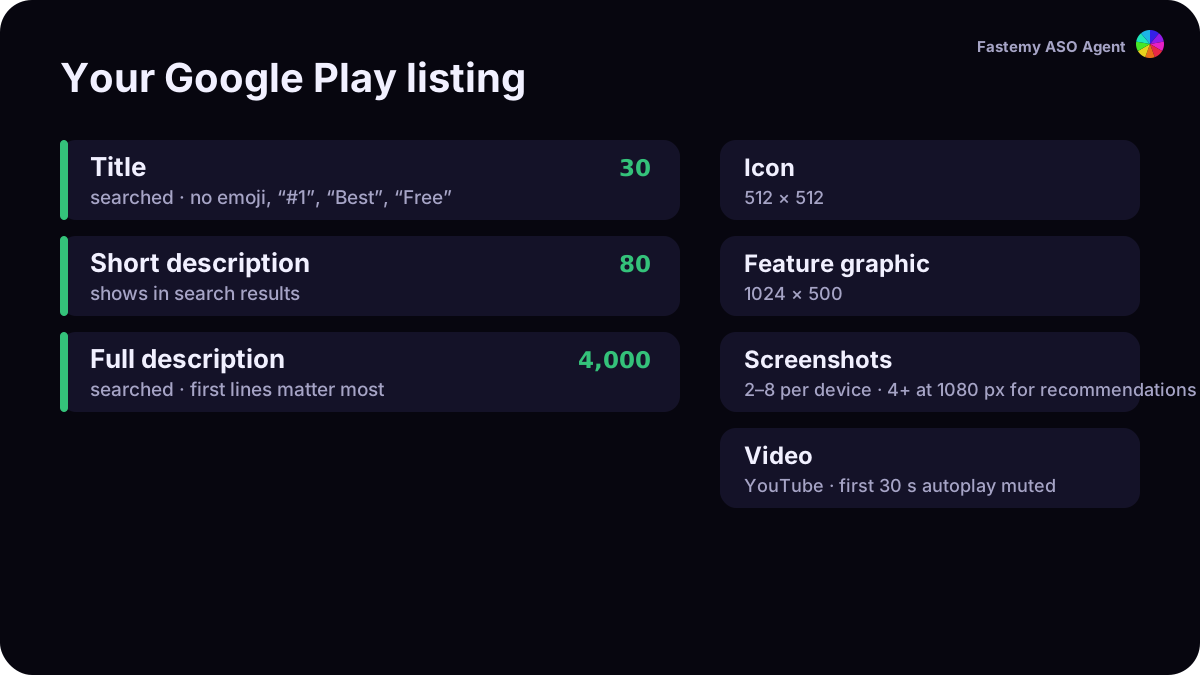
You have 30 characters.2 Put your brand and what the app does, in the words people type. Google’s policy keeps out emoji, ALL CAPS (unless it’s your brand), ranking claims like “#1” or “Best”, price words like “Free”, and Play program names like “Editor’s Choice”.3
2. Use the short description as your search-result pitch
80 characters that also appear in search results.4 State the core purpose and the main benefit. No “free”, “discount”, “#1” or “Best” here either.
3. Write the full description for people, not for a keyword list
Google Play has no hidden keyword field, so the 4,000-character description carries your words. Google asks you to keep it succinct because people may read only the first sentences, not to repeat the short description, and to avoid repeated or unrelated word lists.4 Put the most important words in the first lines, the way you would explain the app to a friend.
4. Keep the app stable
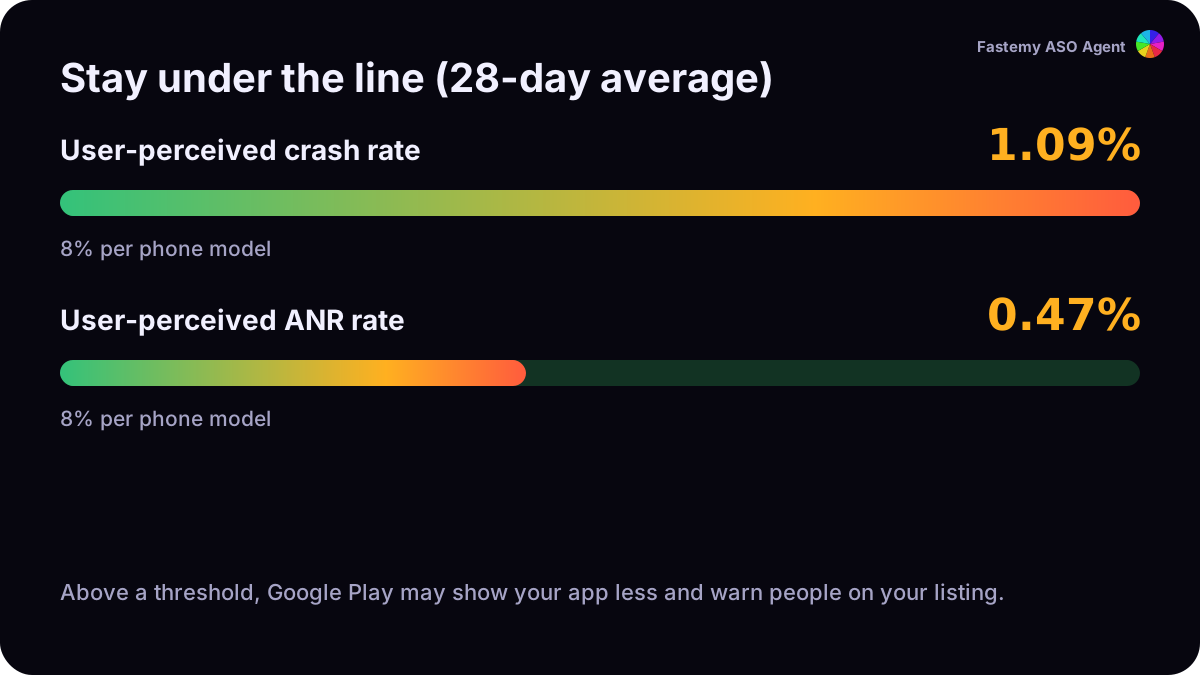
Google publishes two bad behavior thresholds over a 28-day window: a user-perceived crash rate of 1.09% and an ANR rate of 0.47% overall (8% for any single phone model). Above them, Google Play may reduce your app’s visibility and warn people on your listing.5
5. Earn ratings, and answer reviews
Your Google Play rating is calculated from recent ratings, and you can post one public reply per review.6 Ask through the In-App Review API after people have used the app enough, without a question first and without putting it behind a button.7 More in the ratings guide.
6. Give your best keywords their own listing
Custom store listings can target people who search specific keywords, as well as countries, past users and ads traffic, up to 50 listings.8 Use one for a keyword that brings you traffic, with a title and screenshots that answer exactly that search.
7. Translate, and test your graphics
Google says a professional translation of your description can lead to better search results.1 Then test: store listing experiments compare up to two variants of your icon, feature graphic and screenshots against your current listing.9 To be eligible for Play’s screenshot-based recommendation formats, upload at least four screenshots at 1080 px or more.10
What we don’t promise
Google doesn’t publish its weights, and our live rank tracking on Google Play comes with Pro. Today you can check your text against Google’s rules with the free Google Play checker.