
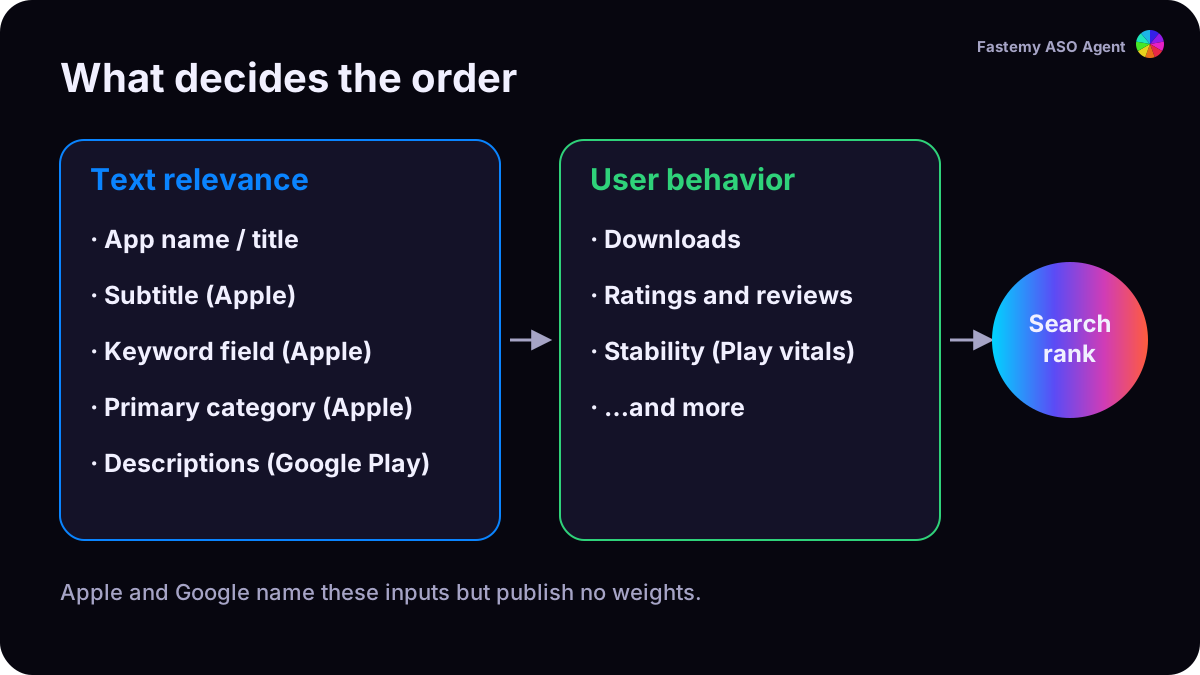
To rank #1 on the App Store, match the words people search, then win their tap. Apple says search results are ranked on text relevance (your title, subtitle, keywords and primary category) and on user behavior (downloads, ratings and reviews, and more).1 Everything below serves one of those two.
1. Pick a phrase people actually type
Apple’s autocomplete only suggests what people search, so it is the cheapest demand check there is. Type the start of your phrase into App Store search and see whether it completes. Our search demand check walks the prefixes for you and scores the phrase from 0 to 100.
Skip single words like “photo” or “music”: giant apps own them. Two- to four-word phrases with a qualifier (“sleep sounds for babies”, “english speaking practice”) are where a new app can win.
2. Read the whole top 10, not just #1
Before you commit, run the keyword rank check and read two numbers:
| Look at | Why |
|---|---|
| Median ratings of the top 10 | One giant doesn’t close a field; ten apps with 50,000 ratings do. An average hides this, a median doesn’t. |
| Is #1 named exactly after the phrase? | That app is hard to move. Pick a variant it doesn’t own. |
3. Put the exact phrase in your app name
Your name is the strongest text you have. Write the phrase the way people type it, in the same word form, next to your brand: “Brand: Baby Sleep Sounds”. The name can be 2 to 30 characters,2 and Apple asks for a unique name with no prices, trademarks or popular app names packed in.3
Field note, US store, 27 July 2026. For a three-word niche phrase, #1 was an app named exactly that, with 0 ratings. An app with 9,728 ratings sat at #3. On 31 July, in another niche, an app with the phrase as its name and 54 ratings outranked one with 37,044.4
This works best in soft fields. In crowded ones, an exact name can get you in, but plan to measure again after a few months.
4. Use the subtitle for a second phrase
The subtitle (30 characters) is searched too.1 Don’t repeat words from your name: Apple asks you to use it for your value, not a second copy of the name, and to skip generic claims like “world’s best app”.5
5. Fill the keyword field with new words only
You get 100 bytes, separated by commas without spaces. Leave out words already in your name or subtitle, plurals of words you already have, “app”, “game”, and other apps’ names.1 6 The keyword field guide shows a before and after.
6. Win the tap: ratings and your first three screenshots
Search results show your rating and up to three screenshots or previews.1 Ask for a rating right after a success moment: Apple’s prompt can appear up to three times a year per person.7 Make the first three screenshots readable as an ad on their own. See ratings and screenshots.
7. Ship one change, wait 14 days, measure again
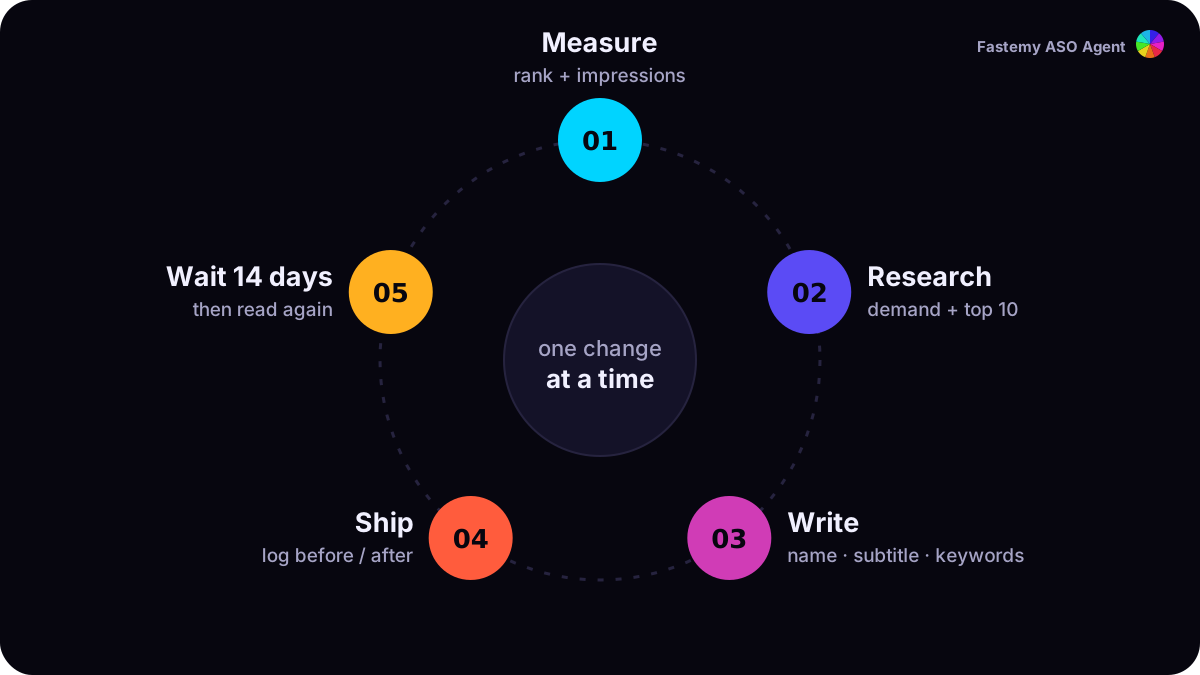
Write down the before and after, ship, then wait at least two weeks. Read your rank and your impressions together: a rank that rises while impressions stay flat means the phrase has no demand.4
What we don’t promise
Nobody can promise #1. Apple names its inputs but not their weights, and the apps around you change too. What you can do is make each change measurable, so the next one is better.